
Searching Haywood County Civil Dockets
Begin with the free North Carolina Judicial Branch Portal and open Smart Search. A full case or record number gives the fastest result. A party name works too. Advanced Filtering lets you pick Haywood. Then choose Civil Actions, nonconfidential Special Proceedings, or Estates as the case requires. Business-name queries need the right search-type filter, so switch that before you search. Portal answers with a Case Summary, sometimes called a Register of Actions. It is not a guarantee that every filed item opens online. Write the case number down once you have it. That identifier ties the public result to the clerk counter, the public terminal, the paper file, and any copy request. For a current court setting, Search Hearings beats an old entry buried in the chronology.
- Open Smart Search and enter the exact record number or a party name.
- Select Haywood and the relevant civil case category in Advanced Filtering.
- Open the matching Case Summary and read its events, hearings, disposition, and documents that are available.
- Use Search Hearings for a current civil date, time, and location.
- Call the clerk or use the courthouse terminal if a public document or older civil file is missing.
Haywood Civil Smart Search Categories
Haywood civil dockets are not split between county and civil-clerk databases. One route reaches them all. Through the Clerk of Superior Court and the Portal, it covers Civil Actions, public special proceedings, estates, and related civil case types. A standard civil lawsuit calls for the Civil Actions filter. Special Proceedings and Estates are separate Portal choices. Each still needs Haywood selected so you don't pull a statewide result set. For an indexed civil judgment, NC Judgment Search helps. It filters by case type, status, location, and judgment date. It does not show the whole civil docket, though. After finding a judgment, open Smart Search. There you can see the fuller Case Summary and any public documents underneath it. For small claims, the Judicial Branch source spells out the official rules.
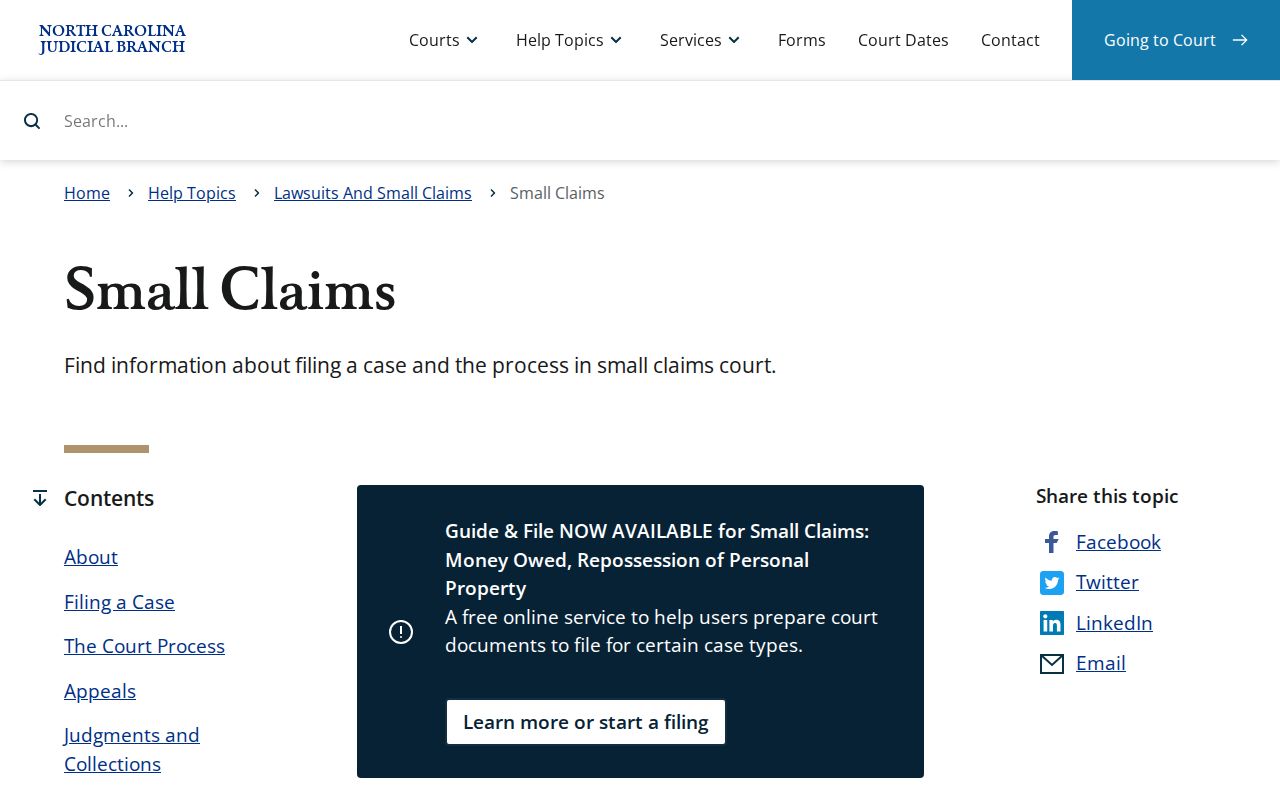
Small claims runs through the District Court division and its magistrates. Even so, the Haywood docket route still passes through the clerk and the Portal.
Inside a Haywood County Civil Docket
A civil Case Summary keeps the underlying claim separate from the docket chronology. Its documented fields may include several blocks. Case Information, Assignment Information, Party Information, Cause of Action, Case Events, Hearings, Dispositions, Financial Information, and public documents all appear there. A case showing no financial section may simply have nothing in that Portal block. The filed pleading or order itself is a different thing from the Case Summary.
| Case Information | Record number and the basic civil file information shown by Portal. |
|---|---|
| Cause of Action | The listed legal claim for relevant civil, family, probate, or mental-health matters. |
| Case Events | The event chronology, which may reflect filing, service, motion, order, hearing, or disposition. |
| Hearings | Recorded settings; use Search Hearings to check the current setting. |
| Disposition and financials | The recorded result and any financial data shown for the particular case. |
Never infer an event the record does not show. A filing, service, motion, order, hearing, or disposition counts only when the actual Case Summary records it.
Haywood’s $25,000 Civil Docket Divide
Money decides the Haywood trial division. Civil actions at $25,000 or under generally land in District Court District 43, while anything over $25,000 goes to Superior Court District 43B, subject to legal exceptions. The dividing rule sits in G.S. 7A-243. Both divisions keep their docket with the clerk.
| Haywood civil matter | Usual division | Record route |
|---|---|---|
| Civil action at or below $25,000 | District Court | Haywood Clerk and Portal |
| Civil action above $25,000 | Superior Court | Haywood Clerk and Portal |
| Small claims | Magistrate, District Court division | Haywood Clerk and Portal |
The statewide small-claims cap varies by locality from $5,000 to $10,000. Haywood's exact local limit is not stated here. Ask the clerk for the current amount before filing.
Civil Case Types on the Docket
Haywood civil court dockets can carry civil actions, special proceedings, estates, and small claims. Family-related material may show a Cause of Action block when it is public. The civil docket is a case-management record. So case types need different filters and carry different access limits. One Portal record can list events, hearings, and a disposition while still hiding supporting documents. Magistrates hear small claims as District Court officials. That creates no separate municipal portal. A party who knows the division but not the number can start in Smart Search and select Haywood. Then turn to the clerk after narrowing the case category.
- Civil Actions
- Special Proceedings that are not confidential
- Estates
- Small claims matters heard by magistrates
- Publicly available family-related court matters
Haywood Magistrate Small Claims Dockets
Small claims belongs to the District Court division and magistrates normally hear it. A magistrate is a District Court official, not a separate county court system. The Haywood clerk is the local route. It holds the file, docket index, public terminal, and copies. Portal serves as the public search layer. A clerk-held paper file may still be the best source for an older or unavailable document. The state publishes Haywood's civil calendaring at this official calendar endpoint.
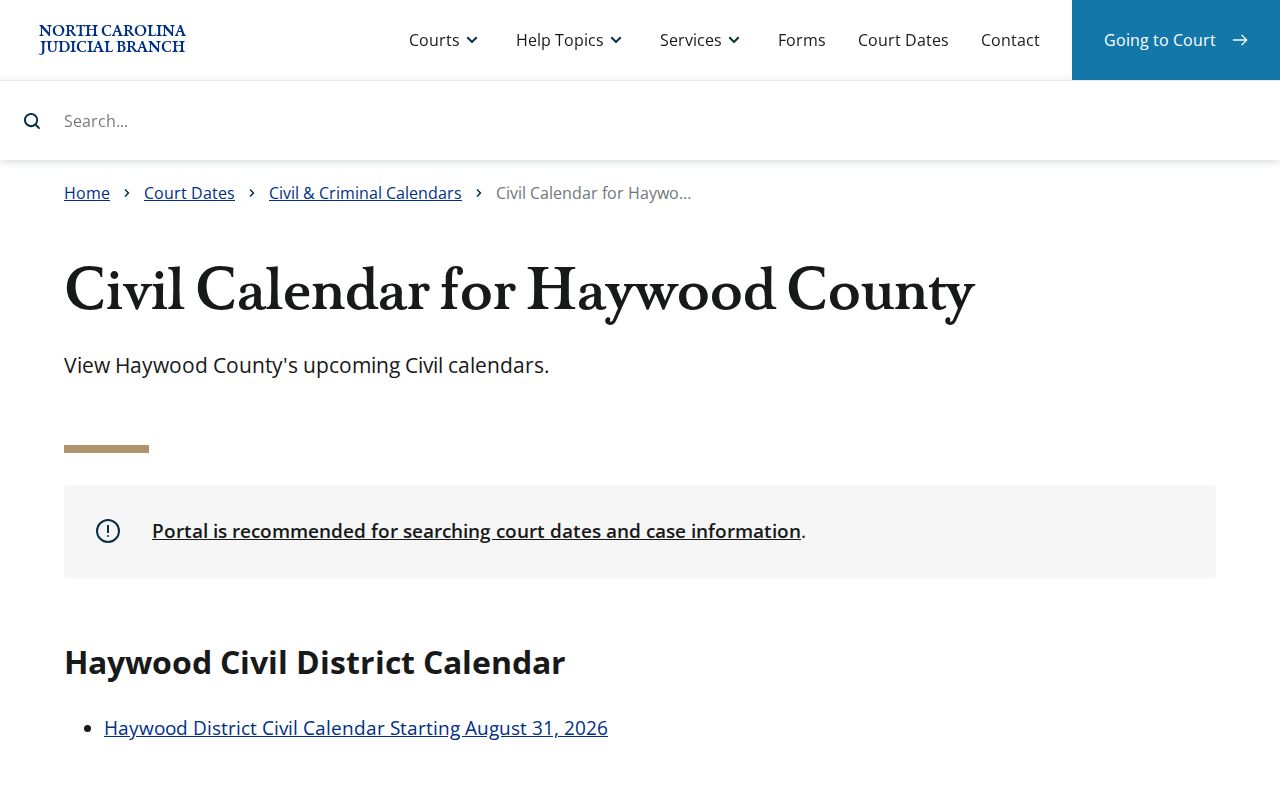
A civil calendar names the session, not your specific setting. Use Portal Search Hearings or the clerk to confirm the date for a particular Haywood case.
Civil Docket Settings and Hearings
A hearing date sitting in a Haywood civil Case Summary is part of the court record. Yet it may not be the date still in force. Search Hearings lets you look up a setting several ways. Try case number, party, business, attorney, bar number, judicial officer, or courtroom. The official calendar results list the current time and location. They stay silent on whether a hearing is virtual. When remote participation matters, ask the clerk or courtroom staff how to join. The county points to a Haywood civil calendar and a local administrative schedule as calendar channels. For the current date, rely first on the live Portal hearing result. Then check the Case Summary list and the calendar endpoint. Finally, get confirmation from the clerk or courtroom.
Haywood Civil Continuance Policy
Civil settings can slide even when an older date stays in the Case Summary. For Superior civil matters, District 30B policy applies. It requires a written AOC-CV-221 motion or a written continuance request. Timing matters. Before a calendared session opens, that request goes to the senior resident Superior Court judge or a designee. Once the session is under way, the presiding judge takes it. Civil objections normally carry three working days.
The policy treats continuances as presumptively disfavored. An allowed civil trial sometimes must be reset. The senior resident judge or designee then reschedules it after gathering scheduling input. So rerun Search Hearings. Read the newest calendar rather than trusting a historic docket date.
Note: A continuance is a judge-approved postponement, not an automatic removal of a Haywood civil docket setting.
Civil Docket Access Rules
Under G.S. 7A-109, the clerk keeps the records, files, dockets, and indexes and opens them to public inspection during regular office hours unless law blocks access. Portal offers free remote access to public Case Summaries and public documents where they exist. Not every civil court record is viewable online, though.
Public does not mean fully indexed online. Sealed and confidential material never appears in Portal. Domestic-violence matters can be public while some data is unavailable for web indexing. The Haywood clerk office and public terminal are the appropriate fallback channels.
North Carolina’s remote-access authority does not make NCAOC the custodian of a Haywood civil case file. The county clerk is the office to contact about a particular court record.
Haywood Civil Docket Paper File Fallback
Portal viewing costs nothing. A Case Summary is not a filed document or a certified copy. Search Portal first. Save the case number. Check the public document links. Then contact the Haywood Clerk of Superior Court if an item is missing. The clerk counter and the public self-service terminal at the courthouse support civil, special-proceeding, and estate access. Call (828) 454-6501 with questions.
The Haywood courthouse at 285 N. Main St., Suite 1500, Waynesville, keeps weekday hours of 8:00 a.m. to 5:00 p.m. Copies carry a fee. The court publishes no Haywood-specific certified-copy amount or procedure, so ask the clerk for the current fee, certification method, and turnaround instead of guessing at a price.
The statutory jurisdiction basis appears in this North Carolina General Assembly image source.
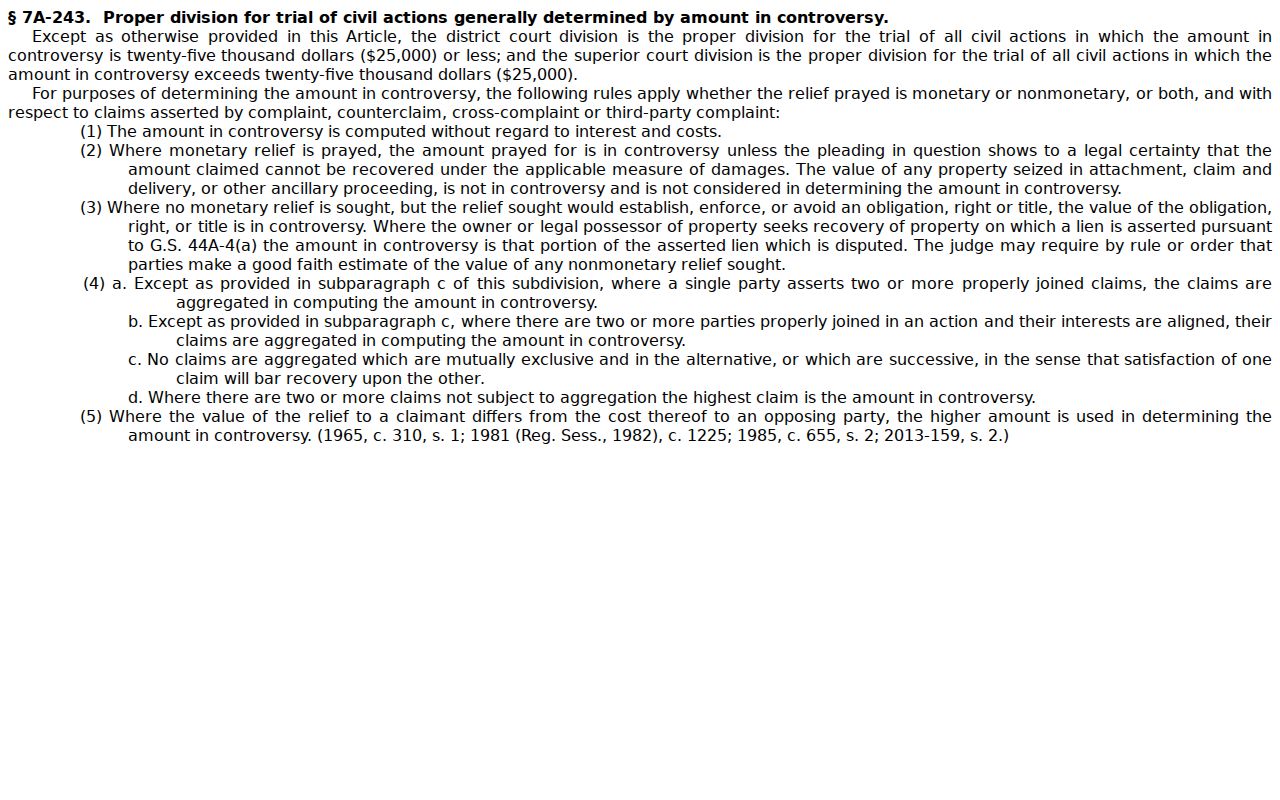
A Haywood civil docket search can locate the case. When online material falls short, the clerk is the fallback for record access.
The same file workflow fits a document that seems missing from a civil Case Summary. First save the exact Haywood case number. Next, inspect the Portal record. Look for a public document link and the Case Events naming the filing or order. If no public image appears, the clerk is next. Ask the Haywood Clerk of Superior Court about inspection at the clerk office or a copy from the county-of-filing file. The statewide Judicial Branch public-record form will not do the job here. NCAOC states it is not the custodian of county case files. That form covers only existing Judicial Branch administrative records. A clerk copy is fee based. The court states no Haywood-specific electronic-request turnaround, identity rule, or certified-copy procedure. So ask the clerk directly for those details.