
Haywood County Court Calendars Explained
Haywood County calendar channels fall into a rough order of trust. A current Portal Search Hearings result comes first. The Case Summary event list shows the docket history behind it. The county's civil and criminal calendar endpoints, plus the local administrative schedule, add session context. A result may be unclear. The date may be near. In those moments, the courthouse clerk or the courtroom itself can confirm the setting.
Superior Court District 43B takes the felony and major-civil cases. District Court District 43 handles misdemeanors, traffic, family matters, and smaller civil claims. Both divisions lean on the Haywood Clerk of Superior Court for records and scheduling. It is the local fallback. A calendar entry is a session list, not a promise of the next court action.
Haywood Court Schedule Search Hearings
The North Carolina Judicial Branch Portal includes a Search Hearings tool. It is made for current times and locations. You can search by case number or party name. Business name, attorney name, attorney bar number, judicial officer, and courtroom work too. Pick Haywood, a hearing type, and the date range before the dependent criteria open. Header controls sort each column of results.
The tool will not tell you whether a hearing is virtual or in person. Judges also call their calendars at different paces. Ask the clerk or courtroom staff for a link, attendance instructions, or a call-list question. Guessing from a Portal row is riskier.
Find the official Haywood links and services in this Judicial Branch source. It lays out the county's court divisions, contacts, and calendar pages.
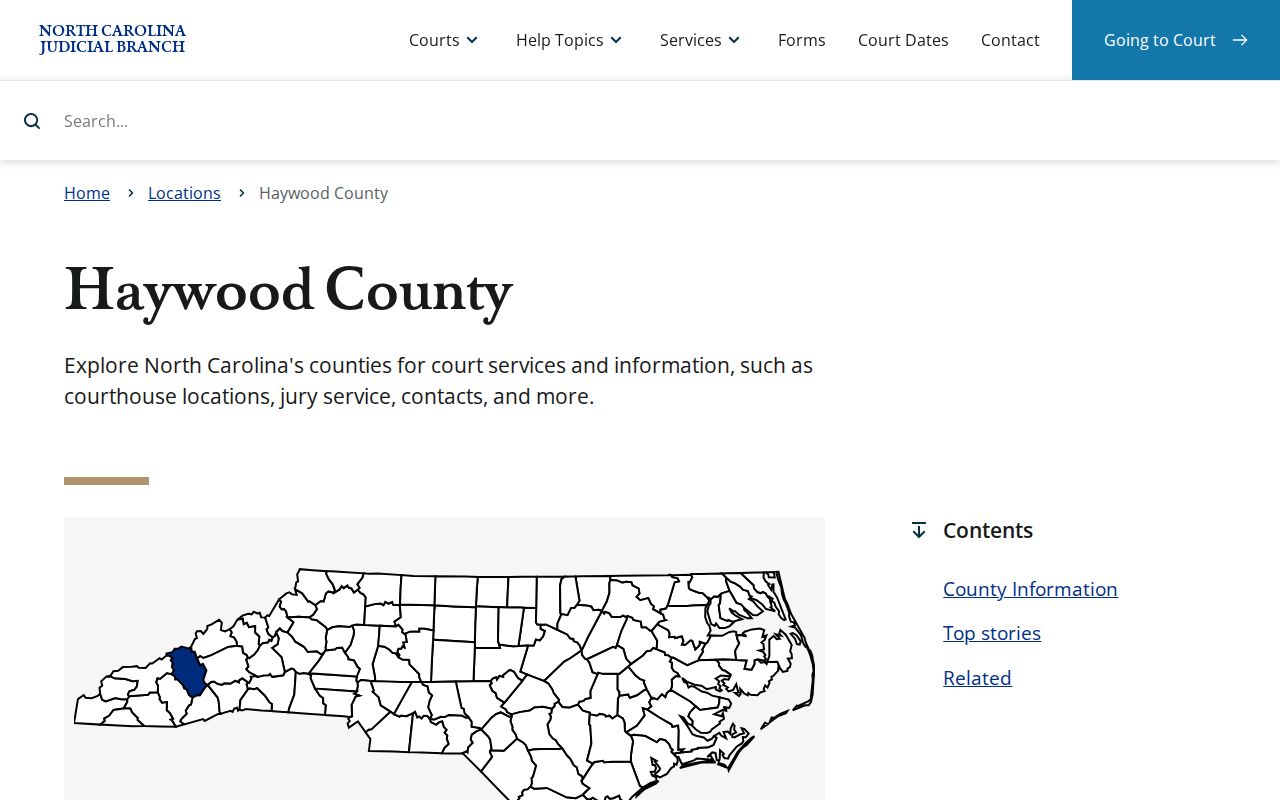
Haywood court dates begin on the county landing page.
Finding Your Court Date
Search with the record number when you have it. That keeps similar names apart and ties the hearing result to the Case Summary. A party-name search can surface a likely case when the number is unknown. Confirm the details before trusting the match. For the hearing date itself, Search Hearings is the live tool. The Case Summary still helps. It shows the latest recorded event and how the case sequence unfolded.
- Open Portal and use Search Hearings with the case number, or another supported search criterion.
- Select Haywood, the hearing type, and the needed date range.
- Read the returned date, time, location, courtroom, and hearing information.
- Compare it with the Case Summary and the appropriate county calendar.
- Call the Haywood Clerk of Superior Court at (828) 454-6501, visit the counter, or use the public terminal if the result is missing or a date is critical.
Terminal computers inside the clerk's office open another door to court systems and paper files. Visit the counter at 285 N. Main St., Suite 1500, Waynesville. The office keeps weekday hours of 8:00 a.m. to 5:00 p.m.
Haywood Court Schedule Calendar Links
Haywood posts separate official endpoints for a civil calendar and a criminal calendar, along with a local administrative schedule page. Open the live pages to use the current controls and display. A session calendar is handy for the broad civil or criminal setting picture.
| Channel | Best use | Important limit |
|---|---|---|
| Portal Search Hearings | Current date, time, and location for a case | Does not show virtual status |
| Case Summary | Hearing and event chronology | An old event may not control |
| Haywood civil or criminal calendar | Session and calendar context | Confirm a critical setting live |
| Clerk or courtroom | Clarification and paper-file fallback | Use the case number when calling |
These channels each add something. A fresh Portal hearing result carries more weight than a stale event line or an old printed calendar.
How to Read a Court Setting
A court setting is the scheduled court event listed for a case. The Case Summary may record it as part of the event history. Search Hearings is built to return the current setting instead. Read every visible field together. The date alone tells you neither the courtroom nor the kind of session.
| Date and time | The scheduled time shown for the setting. Confirm it if a change is likely. |
|---|---|
| Location or courtroom | The court location and courtroom displayed by the current hearing search. |
| Judicial officer | A supported Search Hearings criterion and an assignment detail when shown. |
| Hearing type | The selected type used to filter the schedule and identify the setting’s purpose. |
| Case number | The link between the setting and the Case Summary/Register of Actions. |
The Portal does not say whether a hearing is virtual. That instruction lives with the clerk or courtroom staff for the specific setting.
Haywood Court Schedule Terms
Haywood's local materials use precise setting terms. An administrative setting is a District 43 Superior Court criminal session. It manages eligible felony cases, pleas, and motions. A trial session is different, reserved for matters that must be tried. Other labels appear often. They include plea, pretrial motion, Rule 24 hearing, probation violation, domestic relations, juvenile, DSS, criminal session, and civil session.
- Administrative setting
- A Superior Court criminal session for management of eligible cases, not automatically a trial date.
- Trial session
- A Superior Court session intended for matters requiring trial.
- Continuance
- A judge-approved postponement to another setting.
- Case Summary
- Portal’s chronological Register of Actions for the court file.
The difference matters. Read each Haywood court schedule entry by the label it actually carries, not by a generic local term that appears nowhere in the docketing plan.
Continuances, Resets, and Cancellations
Dates move through continuances, resets, and closures. The District 30B Superior Court policy governs civil continuances. A civil continuance needs a written AOC-CV-221 motion or written request. A criminal continuance needs an AOC-CR-410 motion. Before a calendared session opens, the request goes to the senior resident Superior Court judge or a designee. After it opens, the presiding judge takes it. Civil objections normally carry three working days.
Continuances are presumptively disfavored. A criminal motion lacking the district attorney's signature triggers a presumption of district attorney opposition. When a civil trial is allowed to continue, the senior resident judge or designee reschedules it after taking scheduling input. Old dates can linger. That is why an old Case Summary date may sit there after Search Hearings already shows something new.
Haywood Court Schedule Closure Confirmations
Storms and emergencies can shut down a Haywood County court session with little notice. When that happens, Judicial Branch guidance says the session is usually rescheduled. A new date goes out by mail. So after any closure, confirm the live setting instead of trusting an old calendar page or a stale Case Event. The Hurricane Helene catastrophic-condition orders that hit western counties, Haywood among them, show exactly why that check matters.
For statewide guidance on missed dates and closures, see this Judicial Branch source.
Has a Haywood County setting moved? Rerun Search Hearings. Pull up the right calendar, and ask the clerk or the courtroom what the current instruction is. That habit matters even more for older matters. Haywood's 2024 move to eCourts left a quirk in the Portal: pre-conversion Case Events can carry a 12:00 a.m. timestamp. That reflects the data conversion rather than the real time of the court action. When a historic setting looks murky, the paper file is the safer Haywood fallback. A quick clerk inquiry works too.
If You Miss a Court Setting
Missed a Haywood County court date? Do not assume a new one was set. And do not assume paying online makes it go away. Grab the case number. Run Search Hearings, and call the clerk or an attorney about the court's current instruction. What happens next depends on the case type and what the court has already entered on the docket, so confirm rather than guessing from a general calendar.
Act promptly after a missed setting. Use the current hearing search, then contact the Haywood Clerk of Superior Court at (828) 454-6501 or the courtroom to verify what the court has set next.
Do not treat an older calendar or Case Summary event as proof that the missed Haywood court schedule entry has been cleared, reset, or excused.
Haywood Court Schedule Ten-Day Notices
District 43 has a publication practice all its own for Superior Court criminal administrative settings. The district attorney must publish the administrative-setting calendar at least ten days ahead of the next setting. It covers defined groups: returned-true-bill felonies, selected cases, probation violations, and certain Rule 24 matters. The same plan calls for notice and printed calendars ten days before the administrative session. Clerks may put those calendars online at their discretion.
If no web posting turns up, use Search Hearings. The official criminal calendar, the printed calendar at the courthouse, and the clerk all work too. The local schedule is useful context. Still, it never overrides the current hearing result for a particular Haywood County case.
For a sense of courthouse activity tied to jury service, see this Judicial Branch source.
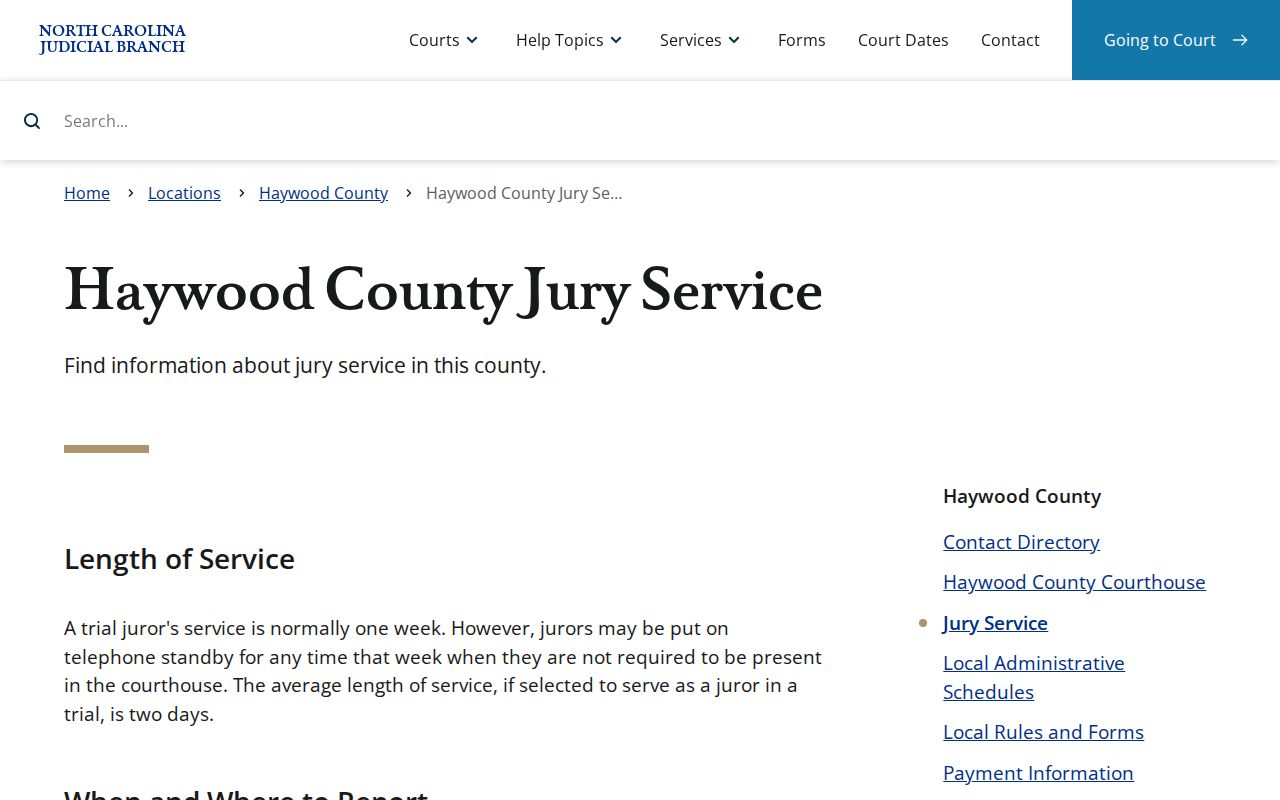
A busy court-session calendar and a case's actual setting are two different things. For a Haywood County docket, the case number plus Search Hearings remains the surest confirmation.