
Searching Haywood County Criminal Dockets
Every Haywood criminal case search starts at the free North Carolina Judicial Branch Portal. Pick Smart Search. If you know the full record number, type it; otherwise use the standard name-or-record-number field. Advanced Filtering lets you limit returns to Haywood and to Criminal Actions. Portal shows the Case Summary, also called the Register of Actions. That display is separate from the File & Serve filing application.
Enter the case number complete, dash and county code included. Portal cannot search by charge. So a charge description never substitutes for a record number or party name. For a current setting, use Search Hearings instead of the chronology. An old Case Event can linger after a date moves.
- Open Portal Smart Search and enter a record number or party name.
- Select Haywood and Criminal Actions in Advanced Filtering when needed.
- Open the matching Case Summary and review the latest Case Event, hearing, and disposition fields.
- Run Search Hearings for the current date, time, and location.
- Use the clerk, terminal, or paper file when Portal does not expose the material.
Haywood Criminal Smart Search Limits
Smart Search works from party details. You can filter by record number, name, citation number through the proper search type, attorney information, business name, cross-reference number, or nickname. At least one criterion is required. A basic search may return up to 200 results. The Haywood location filter helps when a name is common, but it cannot stand alone. Every ten minutes the Portal also serves a CAPTCHA challenge. It applies to anonymous and registered users alike.
Need another angle on a court date? The Haywood administrative schedules page lists dates for local sessions. Treat it as a second source, though, since it does not replace the live hearing result.
The Judicial Branch source publishes the full schedule for Haywood County court sessions.
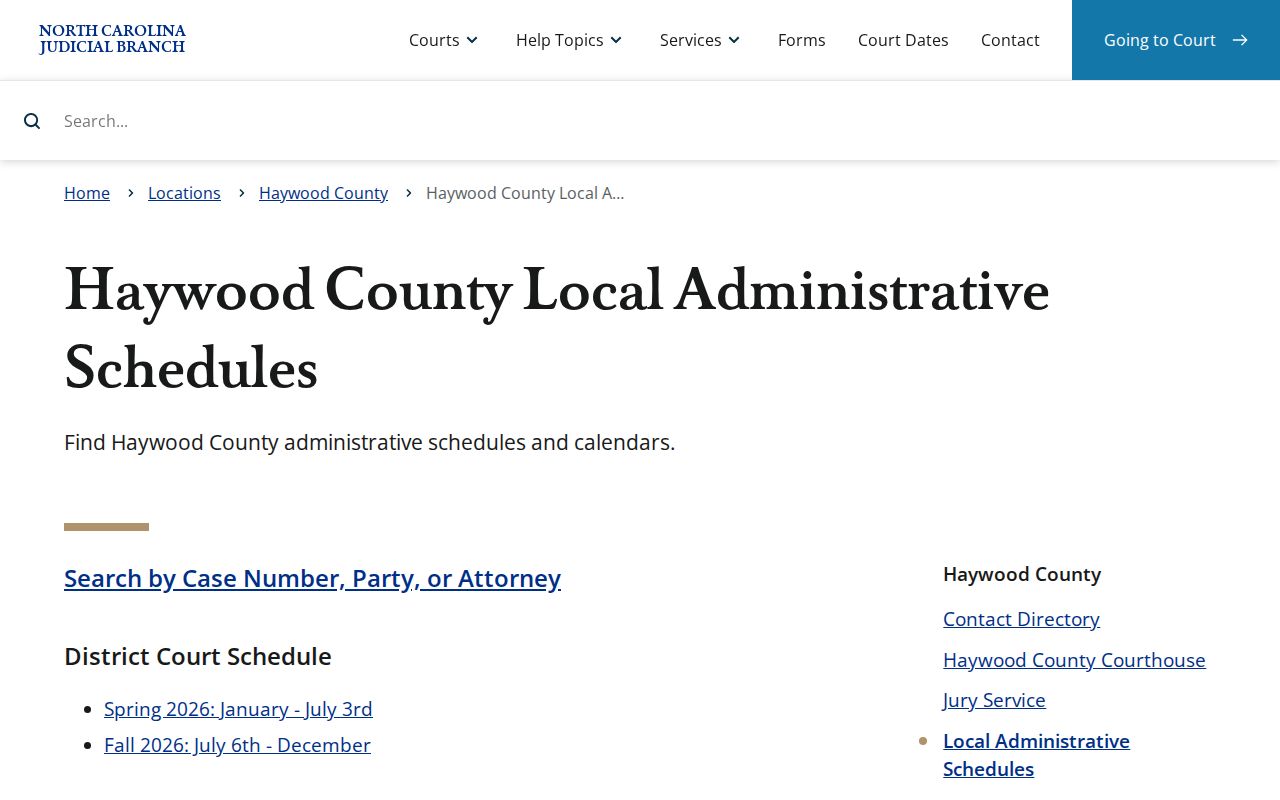
Before trusting any Haywood criminal docket setting, check Portal Search Hearings against the newest calendar or a clerk confirmation.
Inside a Haywood County Criminal Docket
A Haywood Case Summary is a chronology. It is not a promise that every section appears in every case. Portal labels its sections Case Information, Assignment Information, Party Information, Case Events, Hearings, Dispositions, Financial Information when applicable, and available public documents. Victims are left out of Portal results. A blank section usually just means the system holds nothing in that category.
| Case number | Use the complete identifier. A criminal example may start 25CR; the final two digits indicate the charge year in the Judicial Branch example. |
|---|---|
| Assignment | The shown court or judicial assignment for the Haywood criminal case. |
| Case Events | The dated docket actions, including filings, warrant or order events, and settings. |
| Hearings | Recorded hearing information when available; Search Hearings is the current-setting tool. |
| Disposition | The recorded case result, with financial information only if that block is present. |
Trust the labels on the screen. The courts publish no standardized Haywood list of criminal disposition codes, so never guess at an unfamiliar abbreviation.
Haywood Criminal Case Events in Portal
Case Events are the dated actions that make a Case Summary readable. Per the Portal FAQ, warrant, order-for-arrest, and criminal-summons events can show issuance, a served or unserved return, a reset to unserved status, and recall. Each entry records an action the court system captured. None of them replaces the live hearing search. None replaces a clerk's explanation of a docket entry. For Haywood criminal docketing materials and continuance-policy links, the official source is the local rules page.
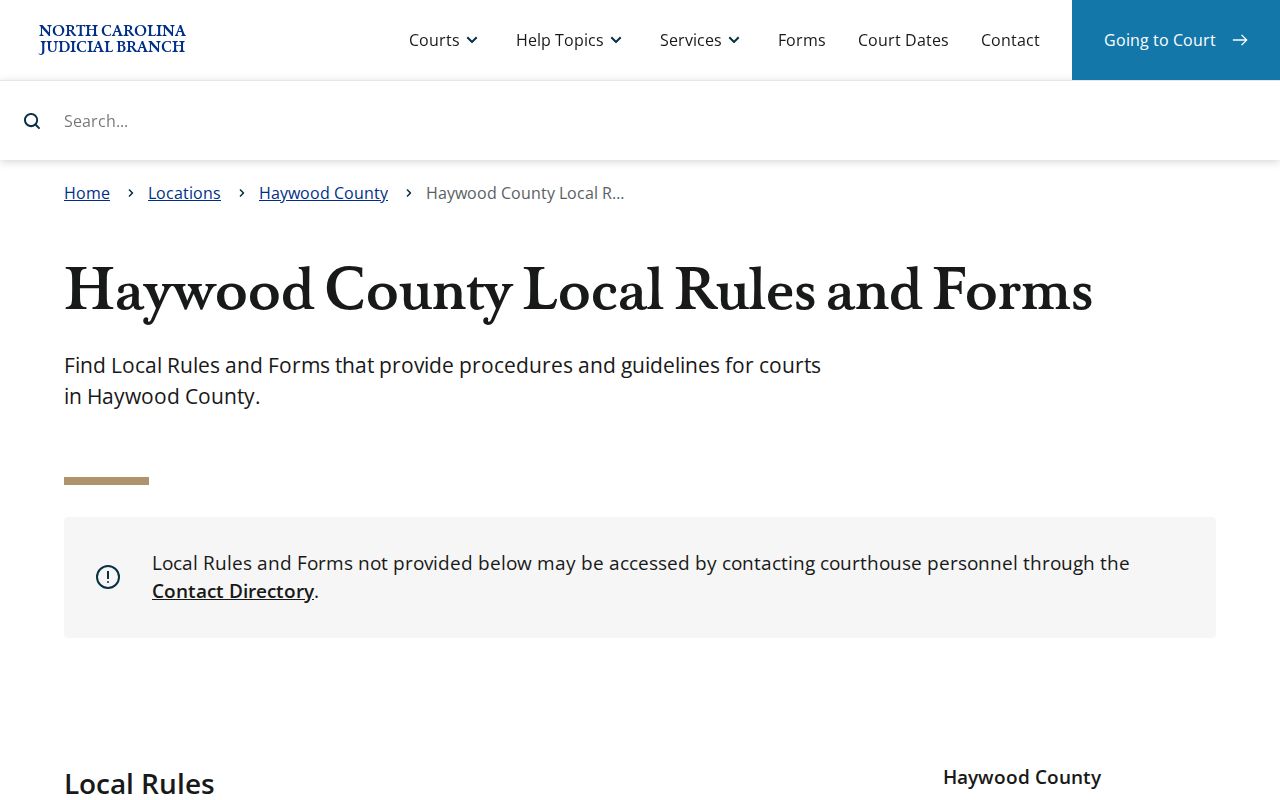
Read a warrant event as one docket entry. Read a hearing line and a disposition as separate docket entries in date order.
Portal's conversion history matters here too. On July 22, 2024, Haywood joined the western North Carolina eCourts Track 5 conversion. It then moved to Enterprise Justice/Odyssey. Legacy ACIS, VCAP, OCAP, CCIS, PayNCTicket, and other case data were converted. Some historical paper files can still sit with the clerk. Pre-go-live Case Events remain viewable. They often carry a 12:00 a.m. timestamp, which reflects conversion treatment, not a midnight court action. A historic Haywood criminal docket can look thin, or a time can seem off. In that case, compare the Case Summary against the public terminal or the paper file before relying on the online display.
How a Criminal Case Moves
A criminal docket records the journey. It shows filed charges, court management, a plea or trial, then a disposition. The order varies. With a felony, an initial or indictment history may come before a Superior Court administrative setting. That setting is not the same as a later trial session. So read the newest Case Event and the live Search Hearings result first. An old date alone proves nothing about where the case stands.
Haywood criminal docket flow: Filing → arraignment or early setting → pretrial activity → plea or trial → disposition → sentencing when recorded.
Under the local plan, a written plea offer can be handled at an administrative setting. A rejected final offer sends the case to an appropriate trial calendar under that same plan.
Haywood Criminal Ten-Day Calendar Practice
District 43 runs its criminal docket on a written Case Docketing Plan. Under that plan, the district attorney publishes an administrative-setting calendar. The lead time is at least ten days ahead of the next setting. Several things can land on it: returned-true-bill felonies, cases sent back to an administrative setting, selected-by-consent cases, probation violations, and certain Rule 24 murder hearings. The plan treats an administrative setting as its own thing, separate from a trial session.
Printed calendars remain part of the routine. Clerks post them online at their discretion. So a missing web calendar proves nothing about whether a session is happening. To confirm a Haywood County court date, work the chain. Start with Search Hearings. Then check the Haywood criminal calendar, any printed calendar at the courthouse, and a call to the clerk.
The Haywood criminal calendar itself sits on an official Judicial Branch page. That is where the county's criminal docket results appear.
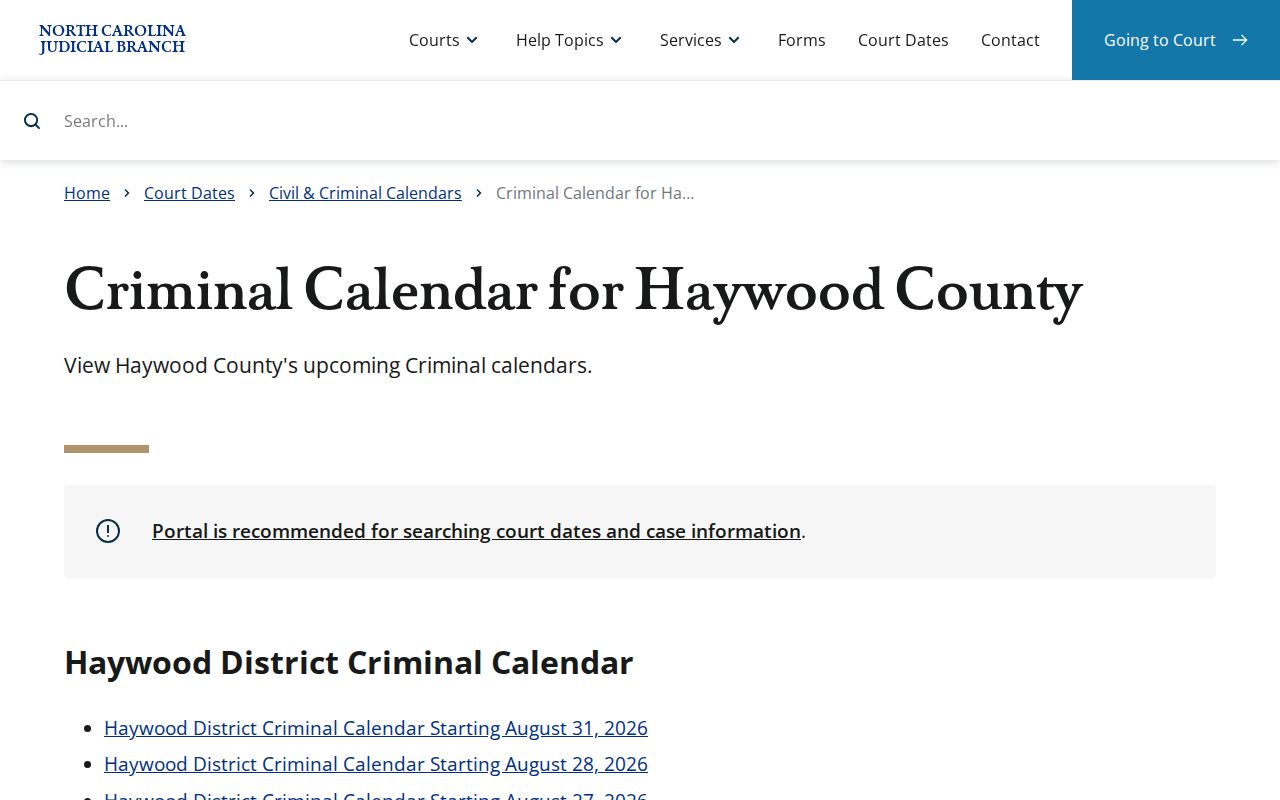
The ten-day calendar names a session. Search Hearings gives the current setting for one Haywood criminal case.
Courts That Hold Criminal Dockets
Both trial divisions share one clerk route in Haywood County. Superior Court District 43B holds the felonies. District Court District 43 handles misdemeanors, traffic, and infractions. Magistrates sit as District Court officials and take preliminary criminal matters plus some minor dispositions. The county offers no separate justice-of-the-peace or municipal criminal docket portal.
| Haywood criminal matter | Trial division | Docket route |
|---|---|---|
| Felony | Superior Court, District 43B | Haywood Clerk and Portal Case Summary |
| Misdemeanor, traffic, or infraction | District Court, District 43 | Haywood Clerk and Portal Case Summary |
| Preliminary criminal matter | Magistrate in District Court | Haywood Clerk and court system |
Appeals climb upward too. A District Court misdemeanor conviction can be appealed for a new trial in Superior Court. A Superior Court criminal matter can then reach the North Carolina Court of Appeals through the applicable appellate path.
Haywood Criminal Docket Clerk Fallback
When the Portal runs thin, go straight to the clerk. Charlie Plemmons serves as Haywood County Clerk of Superior Court. That office keeps the files, dockets, and indexes for both Superior and District Court matters. The counter and the public self-service terminal are the fallbacks for a historical paper file or a non-indexed domestic-violence matter. The same goes for a document that never appears online. Call ahead at (828) 454-6501.
You will find the courthouse at 285 N. Main St., Suite 1500, Waynesville. It is open on weekdays from 8:00 a.m. to 5:00 p.m. For mail, the clerk’s published address on the payment page is 215 N. Main St., Waynesville. Match the address to the channel you plan to use. Viewing on the Portal costs nothing, though copies through the clerk carry a separate fee.
Note: A court reporter’s transcript is separate from the clerk docket. Eligible non-confidential recordings use the AOC-G-114 request route.
Sealed Dockets and Public Access
Public access rests on statute. G.S. 7A-109 makes clerks maintain court records, files, dockets, and indexes, open to public inspection during regular office hours unless another law restricts access. The Portal is a convenience. It does not shift the Haywood clerk’s custodial role, and a web docket line is not a certified clerk record. Plenty of documents never make it online at all.
Access limits matter. Sealed and confidential cases, data, and documents never display through Portal. Public domestic-violence cases can have web-index restrictions, with the clerk or public terminal as the fallback. Juvenile matters have separate confidential-file treatment.
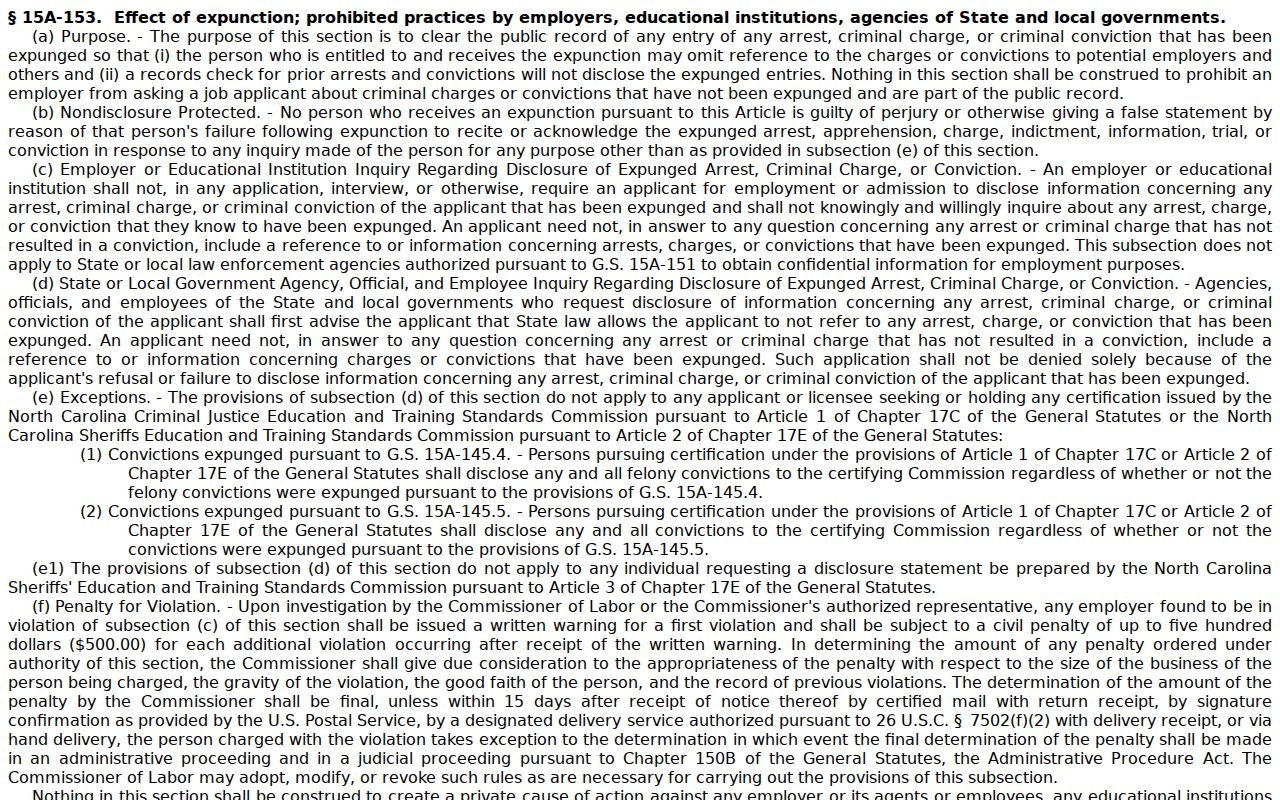
G.S. 15A-146 establishes expunction paths for qualifying dismissed or not-guilty matters; G.S. 7B-3200 addresses juvenile expunction and confidentiality.
The dismissal and expunction statute appears in this North Carolina General Assembly source.
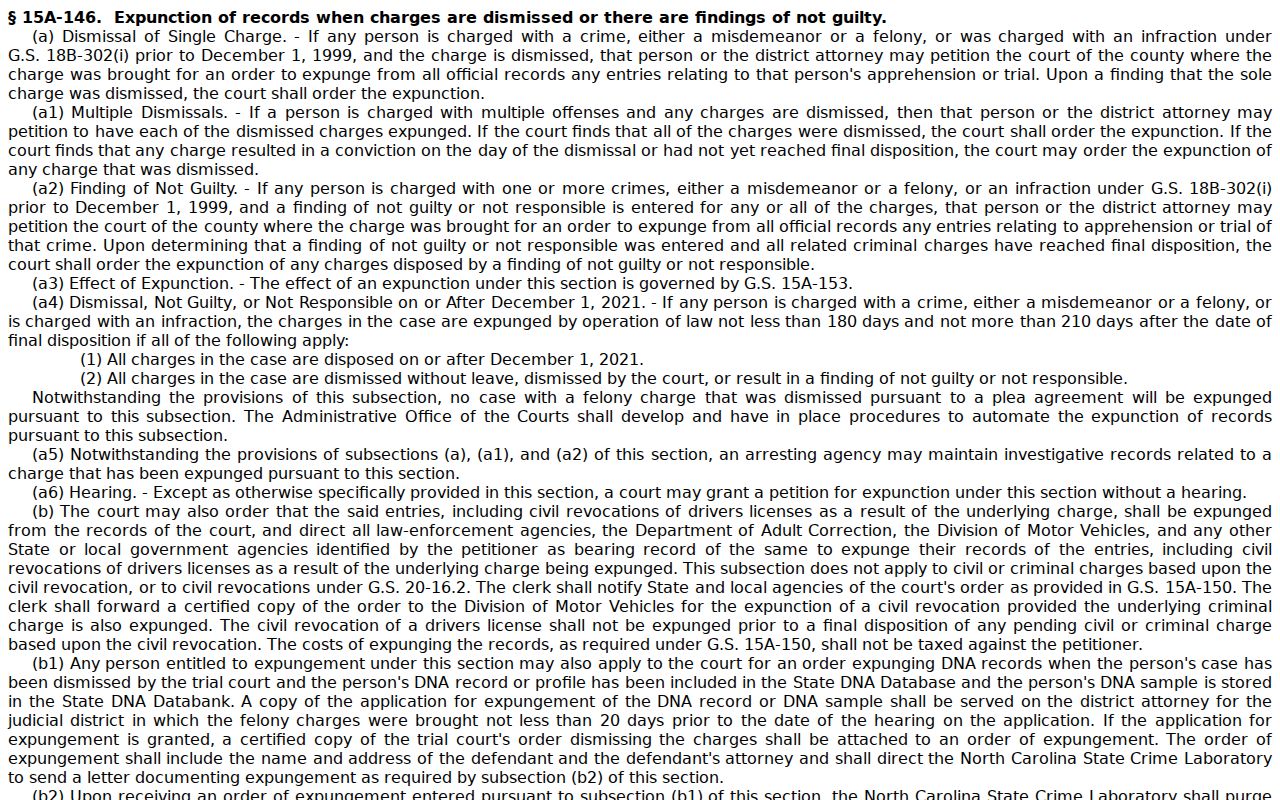
Is the Haywood criminal record restricted? Then ask the clerk about the lawful access route rather than expecting a public Portal result.
Haywood Criminal Docket After Expunction
Expunction is a court process, not a plea to scrub a web search result. Once a qualifying matter is expunged, the governing statute controls its public-access and confidentiality effect. No universal Haywood filing fee or form covers every route. The current procedure belongs with the Clerk of Superior Court. A missing Portal entry proves nothing about informal deletion. An old internet reference never controls the court record.
The statutory effect of expunction is spelled out in this North Carolina General Assembly source.
For an expunction question, the Haywood County criminal docket starts with the Portal. The clerk confirms what the public record shows when status is unclear.